










PHILIPPINES — ATOMY MEMBER REGISTRATION (MOBILE)
step 1
This is an instruction page for Atomy membership registration in the Philippines.
Actual member registration is completed only on the Official Site below.
Please follow the guide images and complete each step.
– Mobile phone address –
step 2
To start, tap the “My Atomy” icon on the bottom-right of the screen.
![[shop-join]-Mobile-Philippines-Memer-Registration_Step-1](https://atomy-join.shop/wp-content/uploads/2025/09/shop-join-Mobile-Philippines-Memer-Registration_Step-1.png "shop-join-Mobile-Philippines-Memer-Registration_Step-1 - Atomy Member")
step 3
To register, tap “Join Us” under the login form. The app will walk you through the required steps.
![[shop-join]-Mobile-Philippines-Memer-Registration_Step-2](https://atomy-join.shop/wp-content/uploads/2025/09/shop-join-Mobile-Philippines-Memer-Registration_Step-2.png "shop-join-Mobile-Philippines-Memer-Registration_Step-2 - Atomy Member")
step 4
Start as a Consumer or a Distributor — 100% Free
When you register as a Distributor, your member account will be set as a Distributor account.
Select this option if you want to start a business.
Consumer members can upgrade to a Distributor at any time.
![[shop-join]-Mobile-Philippines-Memer-Registration_Step-3](https://atomy-join.shop/wp-content/uploads/2025/09/shop-join-Mobile-Philippines-Memer-Registration_Step-3.png "shop-join-Mobile-Philippines-Memer-Registration_Step-3 - Atomy Member")
step 5
Agree to the terms by checking all required boxes. After that, press “Next” to proceed.
![[shop-join]-Mobile-Philippines-Memer-Registration_Step-4](https://atomy-join.shop/wp-content/uploads/2025/09/shop-join-Mobile-Philippines-Memer-Registration_Step-4.png "shop-join-Mobile-Philippines-Memer-Registration_Step-4 - Atomy Member")
step 6
Email verification is required. After you confirm your email successfully, press “Next” to continue.
![[shop-join]-Mobile-Philippines-Memer-Registration_Step-5](https://atomy-join.shop/wp-content/uploads/2025/09/shop-join-Mobile-Philippines-Memer-Registration_Step-5.png "shop-join-Mobile-Philippines-Memer-Registration_Step-5 - Atomy Member")
step 7
Please complete your personal info and address section first. Press “Next” to proceed to sponsor selection.
![[shop-join]-Mobile-Philippines-Memer-Registration_Step-6-1](https://atomy-join.shop/wp-content/uploads/2025/09/shop-join-Mobile-Philippines-Memer-Registration_Step-6-1.png "shop-join-Mobile-Philippines-Memer-Registration_Step-6-1 - Atomy Member")
![[shop-join]-Mobile-Philippines-Memer-Registration_Step-6-1](https://atomy-join.shop/wp-content/uploads/2025/09/shop-join-Mobile-Philippines-Memer-Registration_Step-6-2.png "shop-join-Mobile-Philippines-Memer-Registration_Step-6-2 - Atomy Member")
step 8
Press Yes first. After that, tap Next to move forward.
![[shop-join]-Mobile-Philippines-Memer-Registration_Step-7](https://atomy-join.shop/wp-content/uploads/2025/09/shop-join-Mobile-Philippines-Memer-Registration_Step-7.png "shop-join-Mobile-Philippines-Memer-Registration_Step-7 - Atomy Member")
step 9
Prepare a sponsor’s ID (already registered).
Enter your sponsor ID in the blank.
Choose one of the options
![[shop-join]-Mobile-Philippines-Memer-Registration_Step-8](https://atomy-join.shop/wp-content/uploads/2025/09/shop-join-Mobile-Philippines-Memer-Registration_Step-8.png "shop-join-Mobile-Philippines-Memer-Registration_Step-8 - Atomy Member")
| 49380423 | 49291629 |
| 49311839 | 49175977 |
| 49369454 | 49220453 |
step 10
After confirming the sponsor ID, name, and affiliated branch, click Confirm to continue.
![[shop-join]-Mobile-Philippines-Memer-Registration_Step-9](https://atomy-join.shop/wp-content/uploads/2025/09/shop-join-Mobile-Philippines-Memer-Registration_Step-9.png "shop-join-Mobile-Philippines-Memer-Registration_Step-9 - Atomy Member")
step 11
Pick your preferred Center. In the search box, enter a keyword or number and tap the magnifying-glass icon to find it. Centers can be changed anytime later.
![[shop-join]-Mobile-Philippines-Memer-Registration_Step-10](https://atomy-join.shop/wp-content/uploads/2025/09/shop-join-Mobile-Philippines-Memer-Registration_Step-10.png "shop-join-Mobile-Philippines-Memer-Registration_Step-10 - Atomy Member")
step 12
Your sponsor and center are now set. Press “Next” to move forward.
![[shop-join]-Mobile-Philippines-Memer-Registration_Step-11](https://atomy-join.shop/wp-content/uploads/2025/09/shop-join-Mobile-Philippines-Memer-Registration_Step-11.png "shop-join-Mobile-Philippines-Memer-Registration_Step-11 - Atomy Member")
step 13
Please confirm your details first. Once everything looks correct, press “Registration Complete” to complete membership registration.
![[shop-join]-Mobile-Philippines-Memer-Registration_Step-12](https://atomy-join.shop/wp-content/uploads/2025/09/shop-join-Mobile-Philippines-Memer-Registration_Step-12.png "shop-join-Mobile-Philippines-Memer-Registration_Step-12 - Atomy Member")
step 14
You’ve successfully completed Atomy membership registration. Remember your ID and password to sign in later.
![[shop-join]-Mobile-Philippines-Memer-Registration_Step-13](https://atomy-join.shop/wp-content/uploads/2025/09/shop-join-Mobile-Philippines-Memer-Registration_Step-13.png "shop-join-Mobile-Philippines-Memer-Registration_Step-13 - Atomy Member")
Atomy Philippines (Form): A Quick, Clear Member Summary
Short copy for mobile readers, using keywords like Atomy Philippines registration, member, points, popular products.
- ✓More value on repeat purchases — Great for essentials you buy regularly.
- ✓Points you can build over time — A steady reward that supports future orders.
- ✓Promos and sets are easier to choose — Helps you compare without overthinking.
- ✓Reorders feel smoother — Once registered, buying again takes fewer steps.
- ✓Skincare + personal care + wellness — A clean, simple shopping flow in one account.
Popular Atomy Products
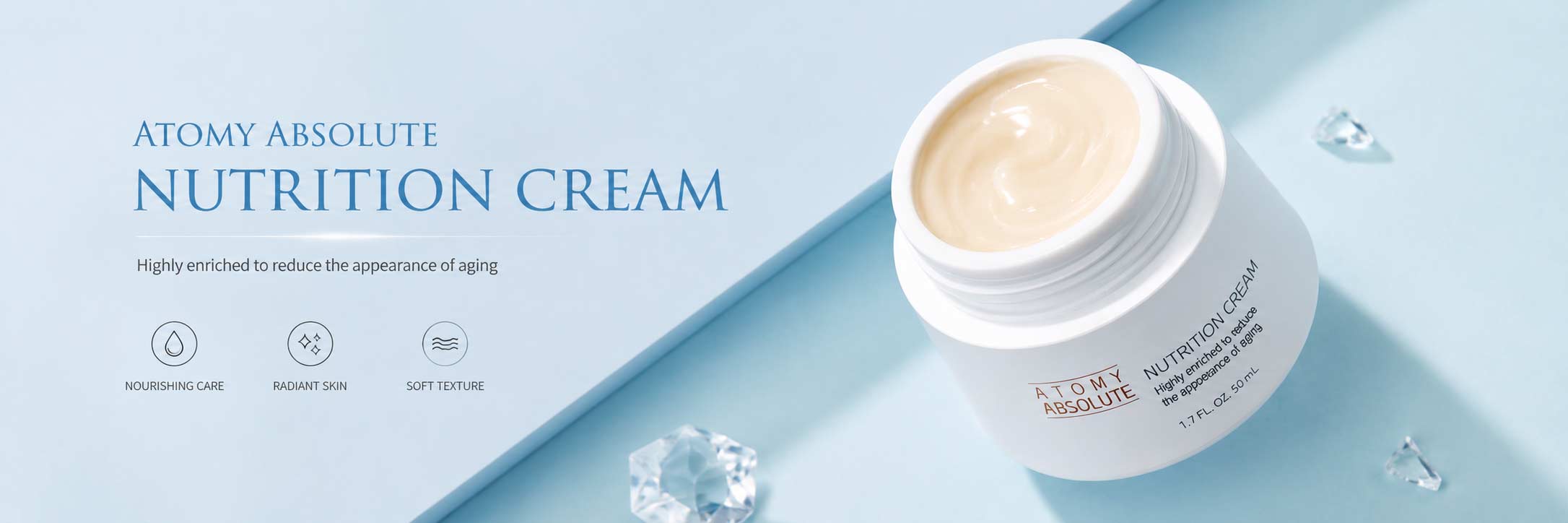
- Atomy Absolute Skincare Set – A complete routine that’s easy to follow daily.
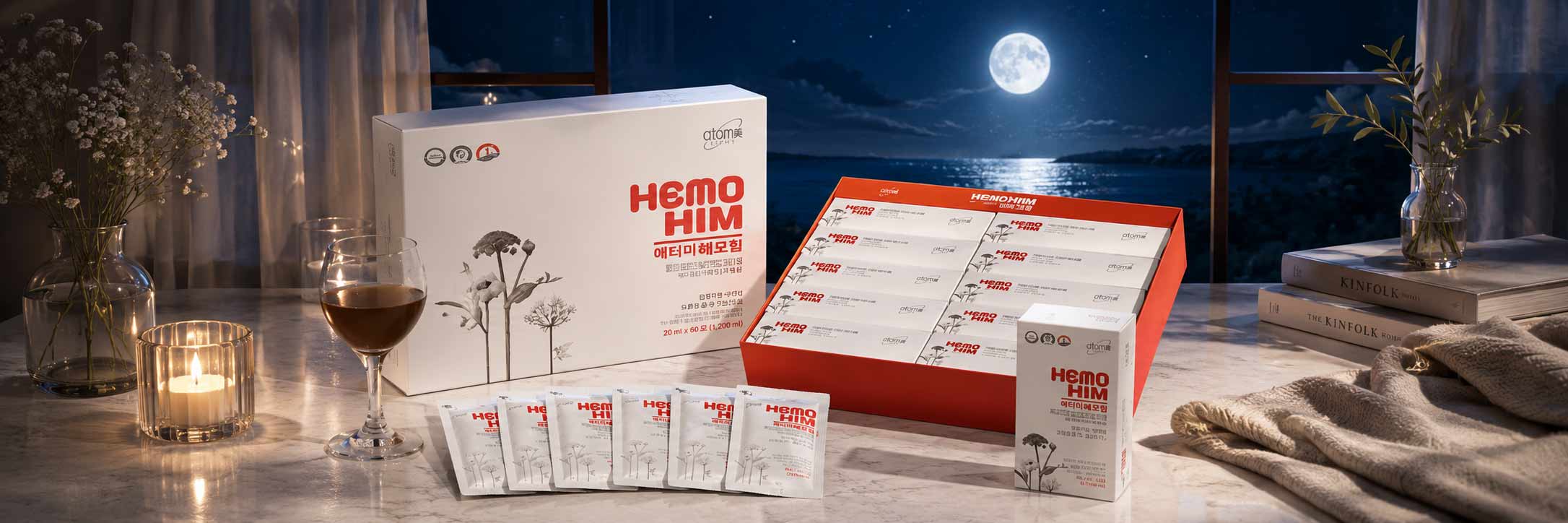
- Atomy Hemohim – A well-known wellness pick for consistent routines.
- Atomy Probiotics – Practical support for everyday balance.
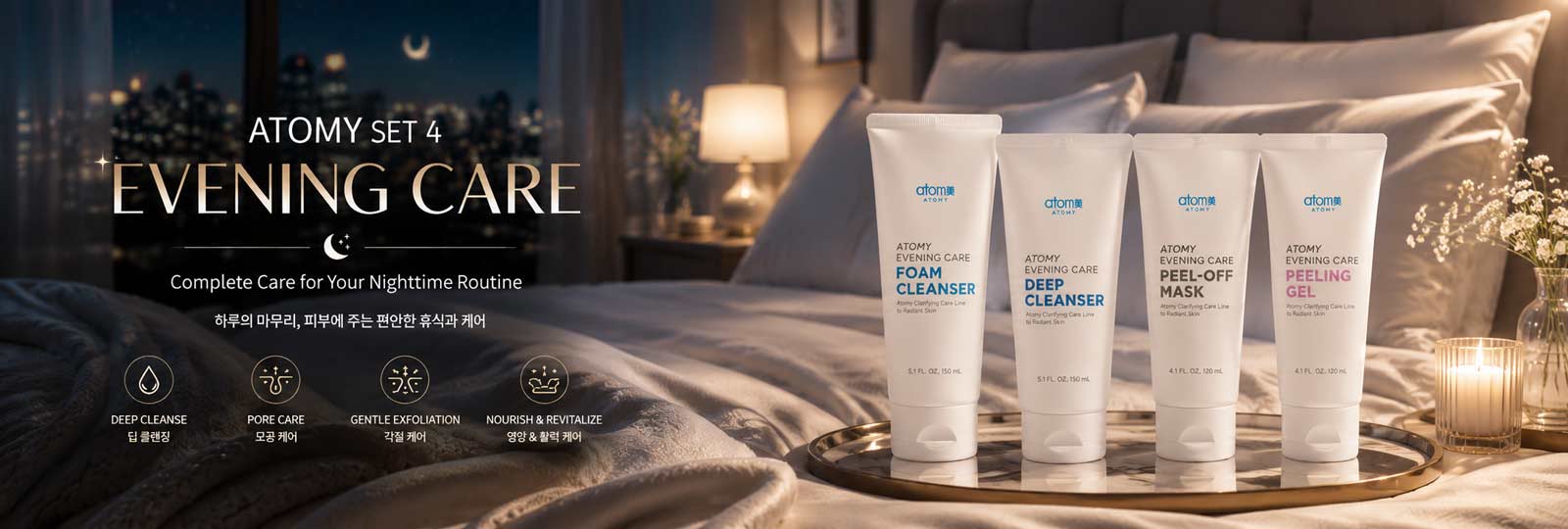
- Atomy Evening Care Set – Night care that feels clean and refreshing.
- Atomy Omega-3 – Easy to add to your daily schedule.
- Atomy Herbal Shampoo – Gentle daily cleansing for scalp and hair.
- Atomy Toothpaste – Simple daily freshness and a clean feel.
- Atomy Deep Cleanser – Deep cleansing with a comfortable finish.
- Atomy Vitamin C – A simple habit for daily antioxidant support.
- Atomy Mineral Compact – Natural-looking coverage that stays comfortable.
Form tip: If you see “Sponsor/Referral”, enter the official Sponsor ID shown on this page to proceed.